When a commercial overhead door fails to close from the wall button but operates normally from remote controls or keypads, the issue is almost always isolated to the wall station circuit or its interface with the door operator. This symptom eliminates many systemic problems like motor failure, broken cables, or torsion spring issues, narrowing the focus to low-voltage wiring, the button itself, or safety circuit interruptions. Facility staff can often identify the root cause without disassembling the operator or handling high-tension components.
Wall Button Circuit and Wiring Checks The wall button operates on a low-voltage control circuit, typically 24V AC or DC, separate from the motor’s line voltage. Pressing the button completes a circuit that signals the operator to close the door. If the door opens fine but won’t close, start by inspecting the button for physical damage or stuck contacts. Remove the cover and look for corrosion, loose wires, or burnt terminals. Use a multimeter to test continuity across the button terminals when pressed, if there’s no change in resistance, the button is faulty and needs replacement. Next, trace the two-wire run from the button to the operator. Look for staples piercing the insulation, rodent damage, or sections crushed by moving equipment. A short or open in this wiring will prevent the close signal while leaving the open circuit (often wired differently or via radio) functional.
Safety Sensor Interference Most commercial overhead doors equipped with photoelectric safety sensors will refuse to close if the beam is blocked, misaligned, or if the sensor circuit detects a fault. These sensors are usually mounted near the floor on both sides of the door opening. If one sensor’s LED is off, flickering, or a different color than the partner unit, check for dirt on the lens, misalignment, or loose wiring. Gently clean the lenses with a dry cloth and verify both sensors show steady lights. Loosen the mounting brackets and adjust until both indicators are solid, this often requires slight vertical or horizontal tweaks. If wiring appears damaged or sensors fail to light despite correct alignment, the sensor kit may need replacement. Never bypass safety sensors; doing so creates a hazardous condition that violates workplace safety standards.
Operator Logic Board and Close Circuit If the wall button and safety sensors check out, the issue may lie within the door operator’s logic board. The close circuit on the board can fail independently of the open circuit due to separate relay paths or transistor drivers. Listen for a faint click from the operator when pressing the wall button to close, if you hear nothing, the signal isn’t reaching the actuation stage. If you hear a click but the motor doesn’t run, the problem may be downstream in the motor circuit, though this is less common with an isolated close-button failure. Logic board issues typically require professional diagnosis or replacement, as internal components are not user-serviceable and misdiagnosis can lead to unnecessary part swaps.
Door Travel and Limit Switch Considerations Although less likely to affect only the wall button close function, incorrect limit switch settings or mechanical obstruction can mimic this symptom. If the door thinks it’s already closed (due to a misadjusted close limit), it won’t respond to close commands from any source. Operate the door fully open using a remote, then attempt to close from the wall button. If it still won’t move, manually check for obstructions in the track, rollers, or hinges. Inspect the close limit switch on the operator, if it’s tripped prematurely, the door will refuse to close. Adjusting limit screws requires care; turning them too far can cause the door to hit the floor hard or not seal properly. If the door reverses immediately upon attempting to close, this points more to sensor or torque issues rather than a wall button-specific fault.
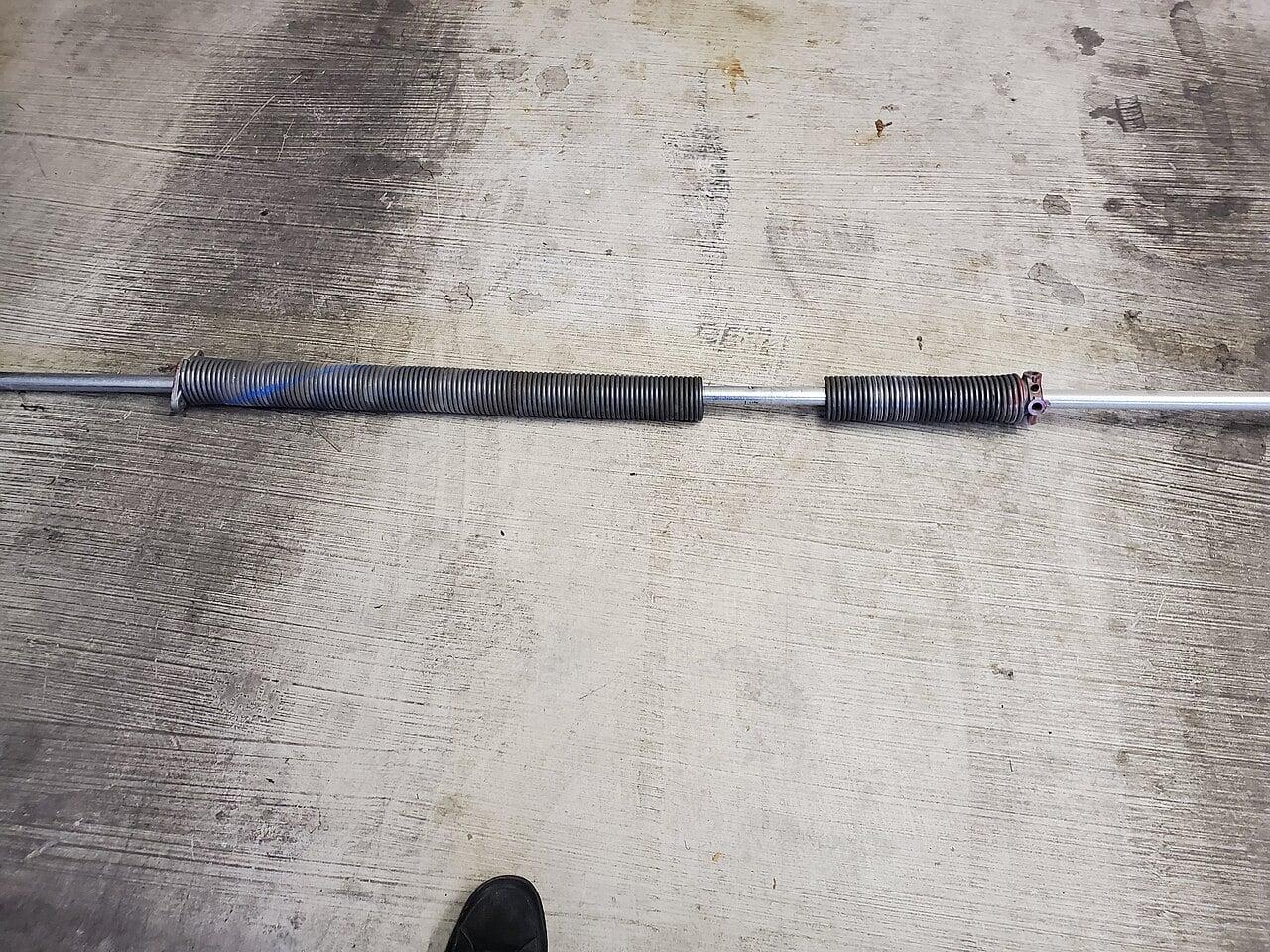
When to Involve a Technician Facility teams can safely replace wall buttons, repair control wiring, clean and realign safety sensors, and verify limit switch behavior. However, any work involving the operator’s internal circuitry, logic board replacement, or adjustments to torsion spring tension must be performed by a qualified technician. Torsion springs store lethal energy and should never be handled without proper training and tools. If diagnostics point to the logic board, motor capacitor, or internal wiring, or if the door exhibits unusual noises, vibration, or failure to operate from any control source, contact a commercial door specialist. Attempting repairs beyond low-voltage components risks injury, equipment damage, or voiding manufacturer warranties.
Frequently Asked Questions
Can a weak battery in the wall button cause it to not close the door?
No, standard commercial wall buttons are wired directly to the operator’s low-voltage circuit and do not use batteries. Battery-powered units are typically wireless keypads or remotes, not hardwired wall stations. If your wall button is battery-operated, it’s likely a retrofit or residential-style unit not suited for commercial use.
Why does the door close fine from the remote but not the wall button?
Remotes and keypads often bypass certain safety logic or use a different signal path than the hardwired wall button. The wall button circuit is more susceptible to wiring faults, button failure, or safety sensor interlocks that may not affect radio-controlled inputs in the same way.
Is it safe to jump the wall button terminals to test the operator?
Jumping the terminals at the operator end can help determine if the wall button or wiring is at fault, if the door closes when jumped, the issue is upstream. However, never leave a jumper in place, as it defeats safety controls and creates a constant close command hazard. Only use this test momentarily for diagnostic purposes.