If your commercial overhead door remote works intermittently, requires multiple presses to activate the door, or fails completely despite fresh batteries, it likely needs replacement. This is a common issue in warehouse and facility settings where remotes see heavy use and exposure to dust, moisture, and temperature swings. The problem usually stems from internal component wear, signal degradation, or battery contact corrosion rather than the door operator itself. You can verify the remote is at fault by testing with a known-working unit or using the wall-mounted push button — if the door operates normally from the wall control but not the remote, the remote is the likely culprit.
How Remote Signals Degrade Over Time
Commercial overhead door remotes operate on radio frequency, typically 315 MHz or 390 MHz, sending a coded signal to the receiver in the door operator. Inside the remote, a small circuit board with a crystal oscillator, transmitter, and battery contacts generates and sends this signal when a button is pressed. Over time, the crystal can drift slightly off frequency due to aging or temperature exposure, weakening the signal. The rubber keypad membranes can wear out, preventing full contact under the buttons. Battery springs and contacts corrode from condensation or minor leaks, increasing resistance and reducing power to the transmitter. These issues accumulate until the signal is too weak or inconsistent to reliably trigger the receiver.
Physical Signs of Remote Failure
You can often see or feel the problem before total failure. Look for sticky or sunken buttons that don’t return smoothly — this indicates worn keypad material. Open the battery compartment and check for white or green crust on the terminals, which is corrosion that impedes power flow. If the remote only works when held very close to the door operator or at a specific angle, the transmitter power is fading. Some remotes have an LED that flashes when a button is pressed; if this light is dim, flickering, or absent despite a new battery, the circuit is failing. A remote that works once then requires a long wait before working again often points to overheating components on the board.
Testing the Remote Properly
To confirm the remote is at fault, first replace the battery with a fresh, name-brand cell — weak batteries mimic failure but are easy to rule out. Then, test the remote from various distances and angles where it’s normally used. If it only works within a few feet, the signal strength is degraded. Use a second remote of the same model if available; if it works normally, the original is faulty. You can also use a smartphone camera to check the infrared emitter (if applicable) — though most commercial remotes use RF, some have an IR assist LED visible as a faint purple glow in the camera view when pressed. No glow means no signal. Never attempt to open or repair the circuit board unless you have electronics experience; internal components are small and sensitive.
When It’s Not the Remote
Before replacing the remote, verify the door operator’s receiver is functional. Test the wall-mounted push button or keypad — if the door responds normally, the operator and receiver are likely working. Check for interference sources: LED lighting, radios, or wireless equipment operating on similar frequencies can occasionally block signals, though this is rare and usually affects all remotes equally. If no remote works but the wall control does, the receiver may have failed — this requires professional diagnosis. Never assume a remote issue without testing the wall control first, as misdiagnosis leads to unnecessary part replacement.
DIY Limits and Safety Boundaries
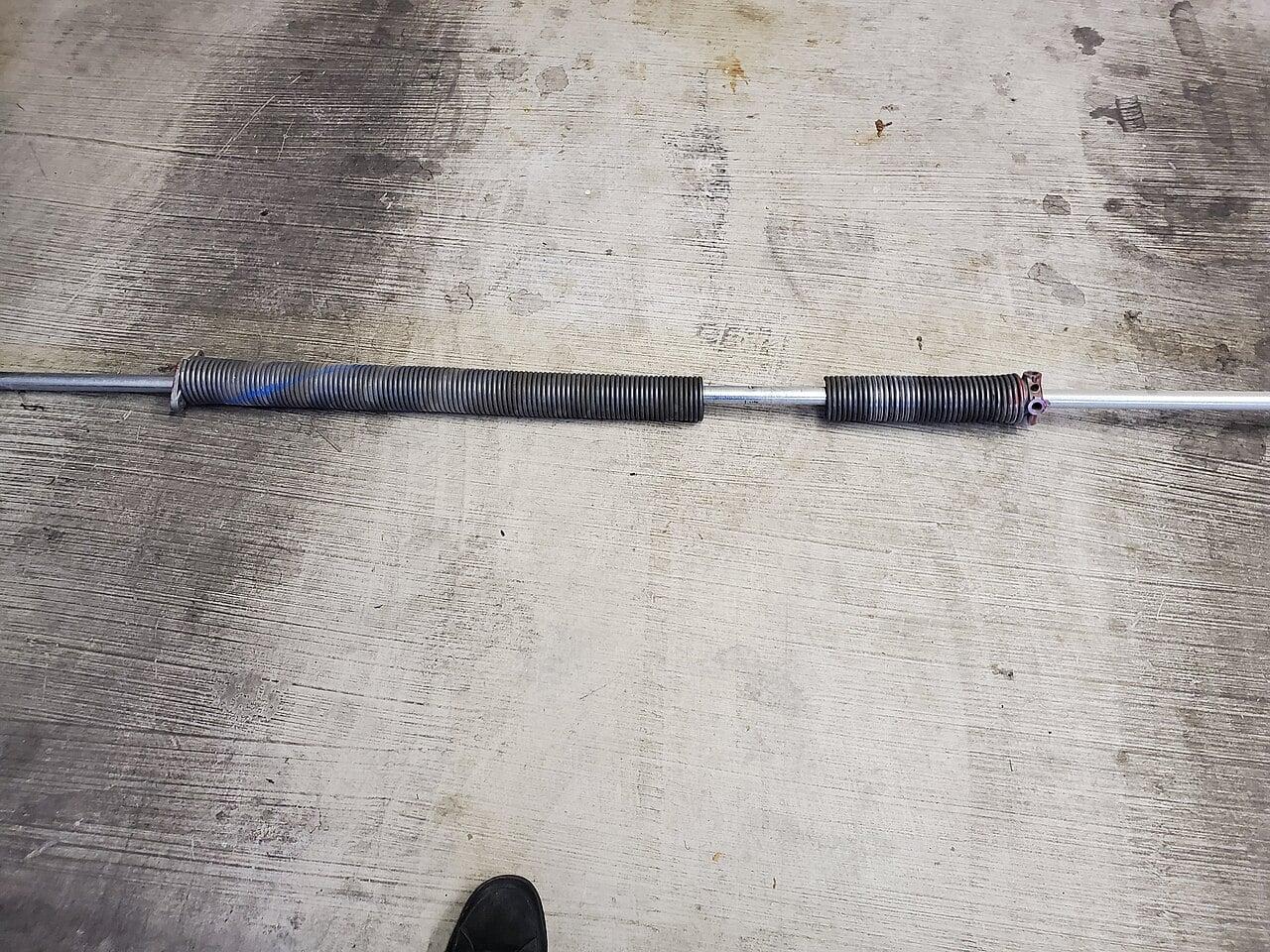
Replacing the remote battery or the entire remote unit is a straightforward DIY task for facility staff. However, do not attempt to reprogram the remote to the operator if it involves accessing the operator’s control panel while powered — live voltage presents a shock risk. More critically, never touch or adjust torsion springs, cables, or the door’s counterbalance system under any circumstances. These components store lethal energy and can cause severe injury or death if released unexpectedly. If the door itself is hard to operate, moves unevenly, or makes grinding noises, stop and contact a qualified technician — these are signs of mechanical issues unrelated to the remote.
Frequently Asked Questions
### How long should a commercial overhead door remote last?
Under regular use in a warehouse or loading dock environment, a quality remote typically lasts 3-5 years before showing signs of wear. Heavy use, extreme temperatures, or exposure to moisture can shorten this lifespan.
Can I use any remote as a replacement, or does it need to match the operator?
You must use a remote compatible with your specific door operator’s frequency and coding system — often listed on the motor unit or in the manual. Using an incorrect remote will not work, regardless of battery strength.
What should I do with the old remote after replacing it?
Remove the battery to prevent corrosion leakage, then dispose of the unit according to local electronic waste regulations. Many municipalities accept small electronics at recycling depots.
CCGDS (604) 206-5727