Yes, you can replace a commercial overhead door remote yourself in many cases, but only if the issue is limited to the remote transmitter or its battery. If the problem lies with the receiver, wiring, or door operator logic board, attempting a fix without proper diagnostics can waste time or create safety risks. Start by confirming the remote is actually at fault—try a known-working remote if available, or use the wall-mounted push button to see if the door responds. If the wall button works but the remote does not, the issue is likely the remote itself or its signal.
How Commercial Door Remotes Work
Commercial overhead door remotes are battery-powered radio transmitters that send a coded signal to a receiver mounted on or near the door operator. The receiver, usually a small box with wires connected to the operator’s control panel, validates the code and triggers the door to open, close, or stop. Unlike residential systems, commercial remotes often use rolling-code or encrypted signals for security, and may operate on frequencies like 315 MHz, 433 MHz, or 900 MHz depending on the operator model. The remote itself has no moving parts—just a circuit board, battery, and antenna. Failure usually stems from a dead battery, water damage, button wear, or signal interference.
What a Failed Remote Looks and Sounds Like
A dead remote typically produces no response at all—no clicking, no light on the operator, no door movement. Sometimes you’ll see a faint red LED on the remote when pressing a button, but if it’s dim or doesn’t light, the battery is likely depleted. If the LED flashes normally but the door doesn’t respond, the remote may be transmitting but not being received—pointing to a receiver issue, antenna problem, or signal blockage. Intermittent operation—where the door works only when you’re close or after multiple tries—often indicates weak signal strength from a failing battery or antenna damage. Listen for the operator: if you hear a click from the control board when using the wall button but nothing with the remote, the receiver isn’t getting the signal.
What You Can Check and Replace Yourself
You can safely replace the remote’s battery—most use a 3V coin cell like a CR2032 or 12V alkaline. Open the casing (usually with a screwdriver or coin twist), note the battery orientation, and swap it. If the remote still doesn’t work, try reprogramming it. Many commercial systems require you to press a ‘learn’ button on the receiver or operator control panel, then press the remote button within 10–30 seconds. The operator will usually flash a light or beep to confirm. If reprogramming fails and you’ve verified the battery is good, the remote’s transmitter may be faulty. At that point, you can purchase a compatible replacement remote—match the frequency and coding type (e.g., Security+, Rolling Code, Dip Switch)—and attempt to program it the same way.
When It’s Not a DIY Job
If the wall button doesn’t work either, or if the remote works only after reprogramming but fails again quickly, the issue is likely with the receiver, wiring, or operator logic board. Receivers can fail from power surges, moisture, or age. Wiring between the receiver and operator can loosen or corrode, especially in wet or industrial environments. These components are low-voltage but tied into the operator’s control system—miswiring can prevent operation or damage the board. Never attempt to open or repair the receiver or operator housing unless you’re trained; internal capacitors can hold charge, and incorrect handling risks damaging sensitive electronics. Similarly, if the door operator itself is unresponsive to all inputs, the problem is upstream of the remote—call a technician.
Safety Notes: What Not to Touch
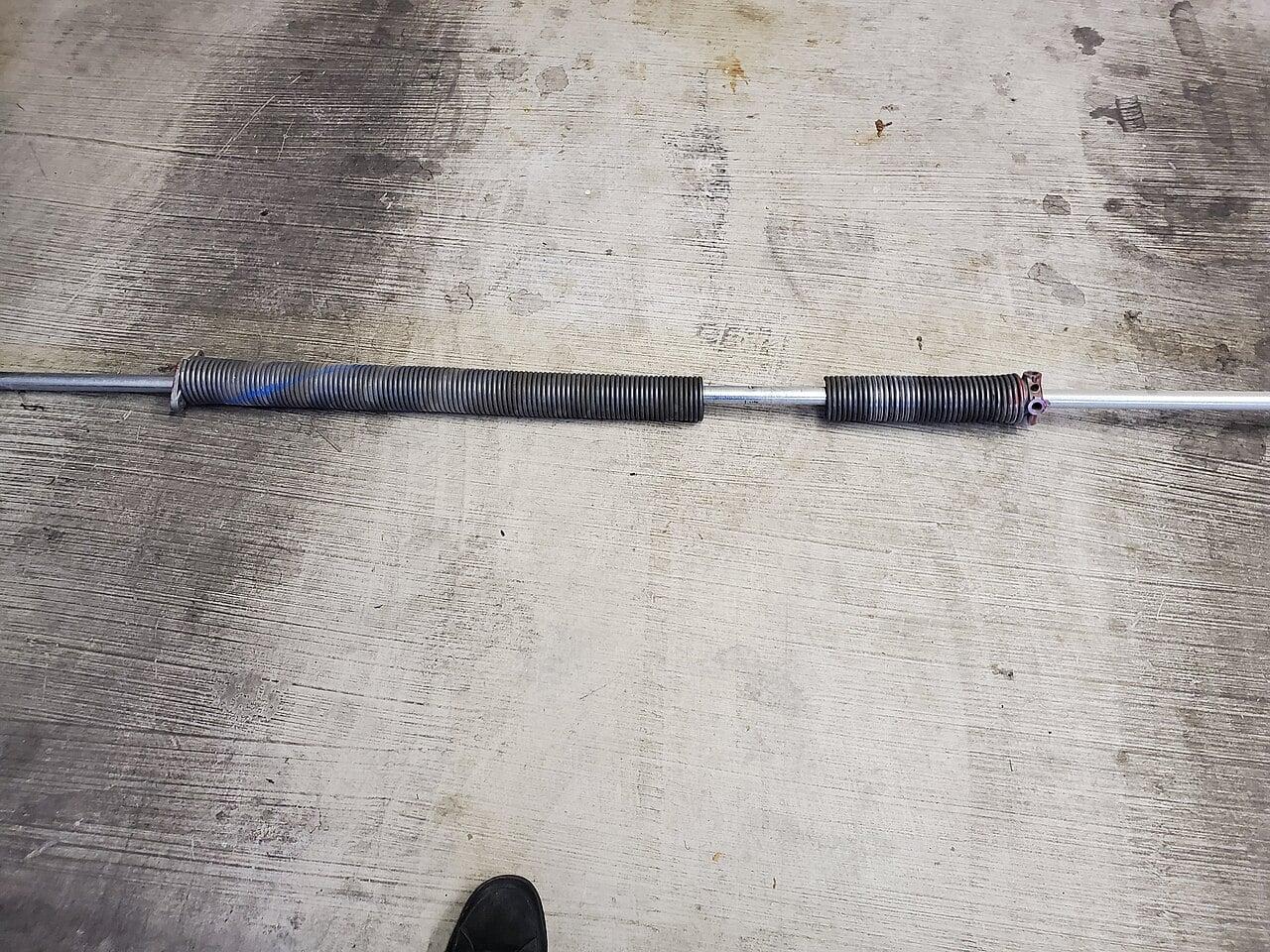
Do not attempt to adjust, remove, or replace torsion springs, extension springs, cables, or any component under tension. These store significant energy and can cause severe injury or death if released unexpectedly. Even if you’re only working on the remote, avoid leaning into the door’s path or bypassing safety edges or photo eyes during testing. Commercial doors are heavy and move quickly—always keep clear of the travel path when operating the door for testing. If you’re unsure whether a component is under tension, assume it is and leave it alone.
Frequently Asked Questions
### How do I know if my commercial door remote uses a rolling code or fixed code?
Check the operator or receiver label for branding like Security+, Intellicode, or Rolling Code—these indicate encrypted, rolling-code systems. Older systems with small internal switches (dip switches) use fixed codes. If you’re unsure, take a photo of the receiver and remote to a technician for matching.
Can I use a universal remote for my commercial overhead door?
Only if it matches the frequency (e.g., 315 MHz) and coding type (rolling code, fixed code, or specific brand protocol) of your receiver. Many ‘universal’ remotes are designed for residential use and lack the security or range needed for commercial operators. Verify compatibility before purchasing.
Why does my remote work only when I’m standing right next to the door?
This usually means the remote’s battery is weak, the antenna on the receiver is damaged or disconnected, or there’s signal interference from nearby equipment like LED lights, radios, or motors. Try replacing the battery first, then inspect the receiver antenna for loose connections or damage.
CCGDS (604) 206-5727