A commercial overhead door that closes then immediately reopens after remote activation is typically experiencing a safety reversal triggered by the door’s obstruction detection system. This is not a remote control failure in most cases, it’s the door’s safety logic responding to a perceived obstacle or misalignment. The door receives the close command, begins moving, then stops and reverses when sensors or limit switches detect an anomaly, preventing potential damage or injury. Understanding the physical mechanism helps distinguish between user-error, environmental interference, and mechanical faults requiring service.
Safety Sensor Obstruction or Misalignment
Modern commercial doors use photoelectric safety sensors mounted near the floor on both sides of the opening. These sensors emit an infrared beam across the threshold. If the beam is broken, by debris, condensation, misalignment, or a physical object, the door will stop closing and reverse to open. This is a fail-safe designed to prevent crushing hazards. Check for dirt on sensor lenses, loose mounting brackets, or wiring damage from forklift traffic. Even slight misalignment can break the beam intermittently, especially if the building shifts due to temperature changes. Clean lenses with a dry cloth and verify both sensor LEDs are steadily lit, not flickering or off.
Limit Switch Drift or Settings Error
Limit switches tell the motor when to stop the door at the fully open or closed position. If the close limit is set too far past the physical stop, the door may hit the floor and trigger the motor’s torque limiter, which the control board interprets as an obstruction. Conversely, if the open limit is too low, the door may not reach the full open position, causing the system to fault during closure. Use the manual release to check if the door moves freely and stops squarely in the frame. Any binding or uneven movement suggests limit drift or mechanical wear in the trolley, rollers, or tracks. Adjusting limits requires accessing the control board, incorrect settings can cause premature motor wear or safety system failure.
Interference from External Radio Signals
Although less common, nearby radio frequency interference (RFR) from wireless devices, LED lighting, or utility equipment can disrupt the signal between the remote and the receiver. The door may receive a partial or corrupted close command, then default to a safety reversal. Test by operating the door with the wall-mounted push button, if it closes and stays closed using the wired control but fails with the remote, the issue is likely in the wireless path. Try replacing the remote battery, moving potential interference sources, or using a remote with a different frequency if the system supports it.
Wiring Faults or Receiver Malfunction
Loose, corroded, or damaged wires between the receiver and control board can cause intermittent signal loss. The door may start to close, lose power to the motor mid-cycle, and trigger a reversal due to perceived stall. Inspect the receiver unit (usually mounted near the motor) for signs of water ingress, rodent damage, or disconnected terminals. Vibration from frequent cycling can loosen screw terminals over time. A multimeter can check for continuity, but only disconnect power before inspecting wiring. If the receiver’s status LED does not flash when the remote is pressed, the receiver or its power supply may be faulty.
Mechanical Binding or Roller Track Issues
Physical resistance in the door’s movement, such as seized rollers, bent tracks, or debris in the guides, can cause the motor to strain during closure. The control board detects excessive current draw and activates the torque limiter, halting the door and commanding a reversal. Listen for grinding, squealing, or uneven motion during operation. Manually lift the door (after disengaging the opener) to check for smooth travel. Any binding points indicate a mechanical issue unrelated to the opener but critical to door safety. Lubricate rollers and tracks with silicone-based lubricant, never grease, which attracts dirt.
When to Call a Technician
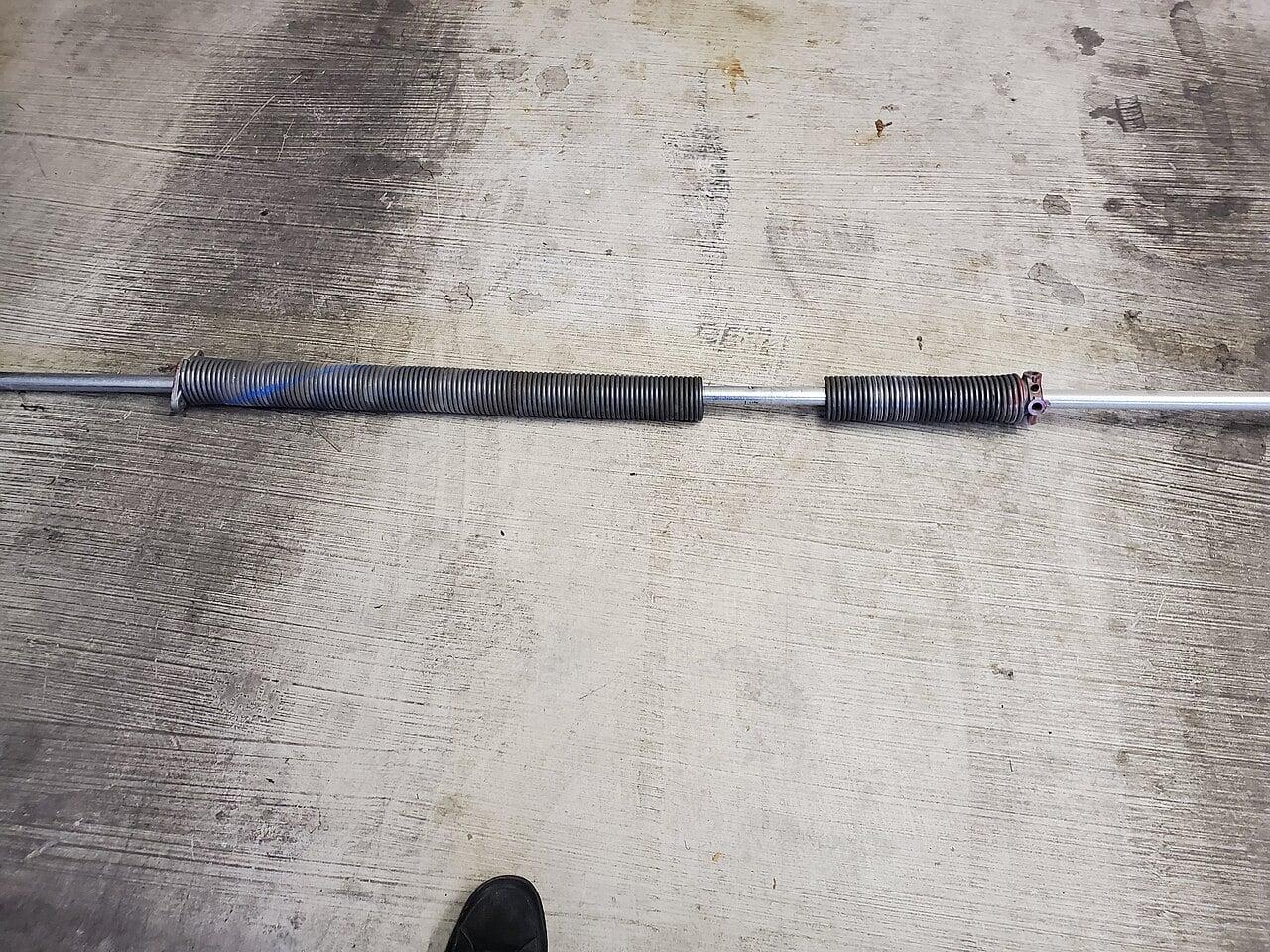
You can safely check sensor alignment, clean lenses, test the wall button, and replace remote batteries. Do not adjust limit switches, torque settings, or tensioned components like torsion springs or cables. These store dangerous levels of energy and can cause severe injury if released incorrectly. If the door reverses consistently, shows erratic movement, or fails to respond to wired controls, the fault likely lies in the control board, motor, or safety circuit, requiring diagnostic tools and expertise. Continuing to cycle the door under these conditions risks compounding the damage.
Frequently Asked Questions
Can a weak remote battery cause the door to close then reopen?
A weak battery may prevent the remote from sending a strong enough signal, but it typically results in no response at all, not a partial close followed by reversal. If the door begins to move, the signal was received correctly, pointing to a safety or mechanical issue rather than remote power.
Why does the door work fine with the wall button but not the remote?
This indicates the wiring, motor, and safety systems are functioning properly when triggered via the wall control. The fault is isolated to the wireless path, either the remote, receiver, or signal interference. It does not point to a problem with the door’s mechanical operation or safety sensors.
Is it safe to keep using the door if it reverses every time?
No. Repeated reversal cycles strain the motor, gears, and control components. It also means a safety system is actively faulting, which could mask a real obstruction. Continued use increases the risk of component failure or uncontrolled movement. Discontinue remote use and operate only via the wall button until inspected.