A commercial overhead door keypad that needs replacing often shows clear physical symptoms before it stops working entirely. The most common early sign is inconsistent response when entering codes, buttons may require multiple presses, feel sticky, or fail to register input even when pressed firmly. This happens because the rubber dome switches beneath the keypad buttons degrade from UV exposure, temperature cycling, and repeated mechanical fatigue, losing their ability to make reliable contact with the underlying circuit board. You might also notice the display fading or segments missing, which indicates the LCD or LED driver circuit is corroded or the ribbon cable connecting it has loosened from vibration. In some cases, the keypad will beep erratically or produce no sound at all when buttons are pressed, pointing to a failing piezo buzzer or broken trace on the PCB.
Keypad Button Failure and Contact Degradation Each button on a commercial keypad uses a rubber dome that collapses when pressed, bridging two contacts on the circuit board. Over time, the rubber loses elasticity, especially in environments with temperature swings or direct sunlight. Dust and moisture accelerate this by acting as an abrasive or promoting corrosion on the contact pads. When the dome no longer bridges the contacts reliably, the controller doesn’t register the press. You can test this by pressing each button firmly and listening for a consistent beep or observing the display response, if some buttons work and others don’t, or if you need to press harder than usual, the keypad is deteriorating.
Display Fading or Segment Loss The keypad’s display relies on either an LCD or LED matrix driven by a small controller chip. Exposure to moisture can cause corrosion on the display’s flex cable or the PCB traces, leading to missing segments, dimming, or complete blackout. This is not just a cosmetic issue, if you can’t see the code entry or error codes, you cannot operate the door securely. Check the display under different lighting angles; if segments are faint or missing only in certain areas, it’s a hardware failure, not a settings issue.
Erratic Behavior and False Triggers A failing keypad may register phantom presses or cycle through menus on its own. This usually stems from water ingress causing leakage currents between traces on the circuit board, or from a cracked solder joint that intermittently connects under vibration. You might see the door activate without input, or the keypad lock up after a single press. These symptoms are dangerous in a commercial setting because they compromise access control and can lead to unintended door movement. If the keypad behaves unpredictably, disconnect its power and inspect for visible moisture, corrosion, or loose wiring, do not attempt to resolder or clean the board with conductive cleaners.
Wiring and Connection Issues The keypad connects to the door controller via a multi-wire harness, often running through the door jamb or header. Vibration from door operation can loosen connectors at either end, causing intermittent signals. Corrosion at the terminals, common in damp or coastal environments, increases resistance and disrupts communication. You can check the connection at the controller end (usually inside the motor housing) for signs of oxidation or loose pins, but only after disconnecting power. If the wires are frayed or the insulation is cracked, the harness needs replacement; this is not a DIY splice job due to signal integrity and safety requirements.
When to Replace vs. Repair Cleaning the keypad surface with isopropyl alcohol and a soft cloth can resolve surface grime, but it won’t fix worn rubber domes, corroded traces, or damaged displays. If the keypad is older than 5–7 years or shows multiple symptoms, replacement is more reliable than repair. Attempting to refurbish the circuit board requires specialized tools and risks damaging the sealed components. For facility staff, the safe DIY steps are limited to visual inspection, checking connections at the controller (with power off), and testing button response. Any work involving disassembly of the keypad unit, soldering, or handling of wires near the door controller should be left to a technician.
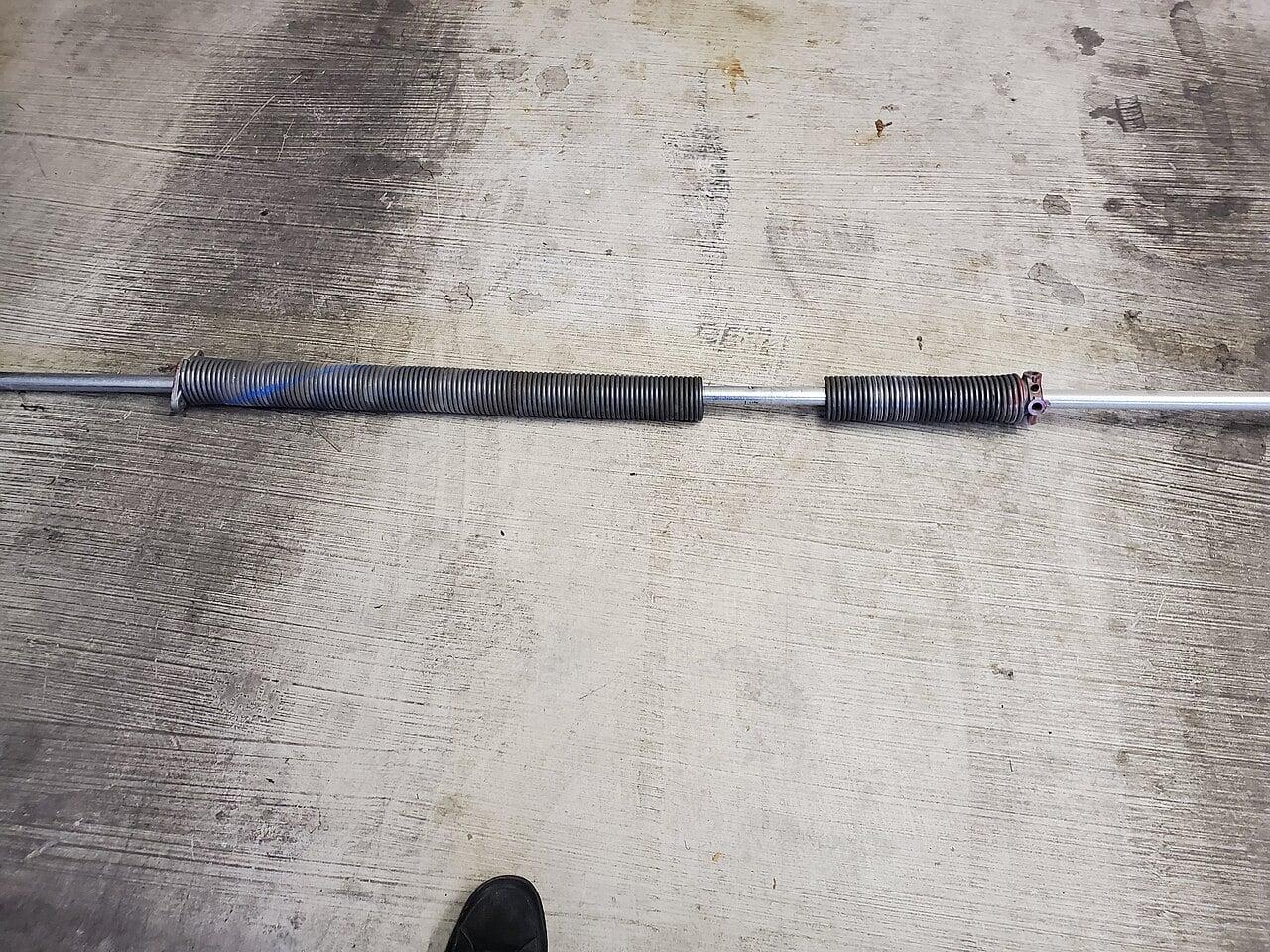
Safety Note on Door Components Never attempt to service or adjust torsion springs, cables, or the door’s tensioning system, these store lethal energy and require specific tools and training. Keypad replacement does not involve these components, but if you suspect the door itself is malfunctioning (e.g., uneven movement, grinding noises, or failure to hold position), stop use and contact a professional. The keypad is a low-voltage control device; the door’s mechanical systems are not.
Frequently Asked Questions
Can I replace just the keypad buttons or do I need the whole unit?
No, commercial keypads are sealed units, the buttons, display, and circuit board are integrated. Replacing individual buttons isn’t feasible due to the rubber dome design and soldered contacts; the entire keypad module must be swapped.
Will a new keypad work with my existing door controller?
Yes, as long as it matches the voltage and communication protocol (usually 24V AC/DC and a standard Wiegand or serial interface). Confirm the model number with your door’s manufacturer or technician before installation.
How long does a commercial keypad typically last?
In a typical Metro Vancouver warehouse or facility, a quality keypad lasts 5–7 years. Exposure to direct sunlight, salt air, or frequent temperature extremes can shorten this to 3–4 years.
CCGDS (604) 206-5727