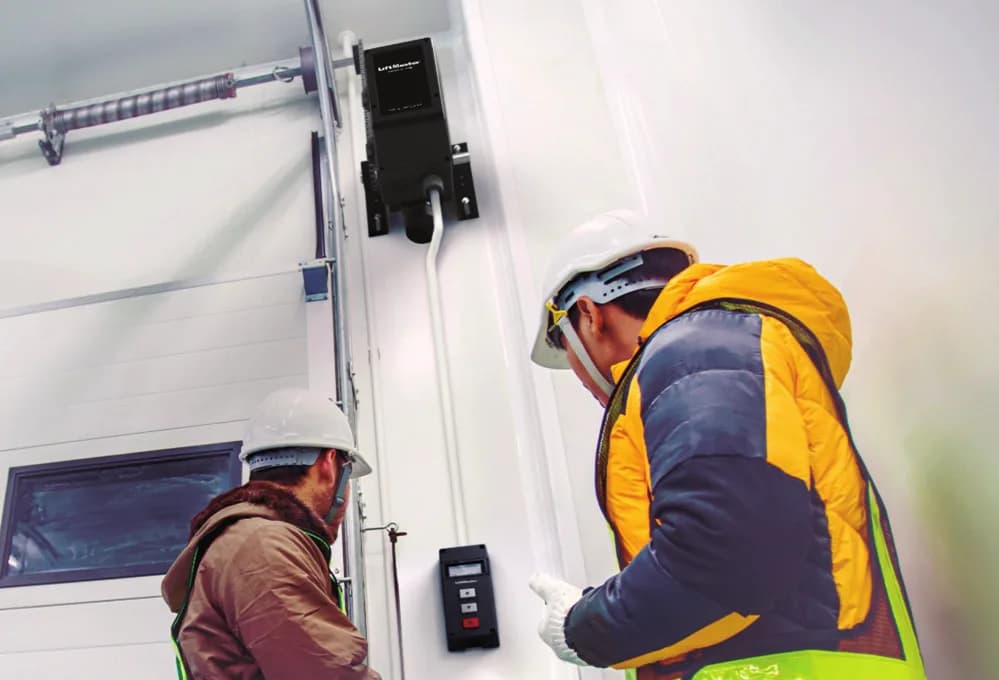
Short answer. LiftMaster MAXUM troubleshooting starts at the DCWALLCTL wall controller. MAXUM units show diagnostics and error text on a 4-line LCD at floor level, so you rarely need a ladder to read a fault. Two faults come up more than the rest. A cable tension monitor trips on slack cable, or a monitored eye loses its beam. Lock out power before opening the E-Box.
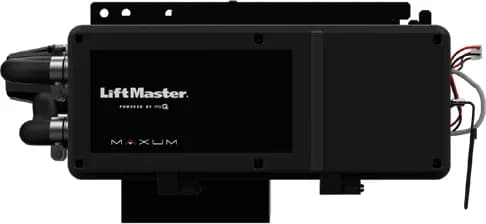
MAXUM DC is LiftMaster's newer commercial platform, with a 24 volt DC motor drive instead of the AC motors on Logic 5.0. Four models share it. The JDC is the jackshaft, the RJDC is the jackshaft with a manual release sash chain, the JHDC is the jackshaft hoist, and the TDC is the trolley. This page groups them on purpose. Most faults on one are faults on all four.
We've written this LiftMaster MAXUM troubleshooting page from LiftMaster's JDC product guide and its 2025 commercial operator comparison chart. LiftMaster doesn't publish a public fault code list for MAXUM the way it does for Logic 5.0. The codes live in the wall controller menu, and we won't guess at them here.
Lock out the power and tag it before you open the E-Box. A MAXUM unit with battery backup can still move the door with mains off. Disconnect the battery too before you put hands near the chain.
Read the wall controller first
MAXUM ships with a floor level wall controller, part DCWALLCTL. It's a 4-line LCD that handles programming and diagnostics. LiftMaster's pitch is that it brings all of that down to the floor, and in practice it does. Read the screen before you touch anything. The menu text is English by default, with Spanish and French selectable.
The controller can be locked behind a password. LiftMaster describes that as a way to stop anyone changing door speed settings without the code. If the site manager doesn't have the code, settle that before the service visit. Otherwise you'll stand there reading a screen you can't change.
Cable tension monitor stopping the door
MAXUM boards have an input to add two cable tension monitors. They're optional. The parts are K41-0157-000 for the right side and K41-0156-000 for the left. LiftMaster says a CTM reverses a closing door if it detects excess cable slack.
When a MAXUM door reverses on close with nothing in the way, look at the cables from the floor. Slack cable is a door hardware problem. Cable work under spring tension is for a trained tech only. Don't bypass the monitor to get the door shut for the night. It's tripping for a reason, and a door that drops off a cable can kill someone.
Monitored entrapment inputs
Each MAXUM board has three monitored entrapment protection inputs. Photo eyes, edges and light curtains all qualify. The CPS-U through beam photo eye comes in the box, with a maximum range of 30 feet. NEMA 4X environmental part numbers ship with the CPS-UN4 instead.
A door that opens fine but won't close usually has a monitored device that's blocked or unplugged. Read the controller screen first. Then wipe the eye lenses and check both brackets are tight. LiftMaster also sells a monitored light curtain (LC36M) with up to 33 feet of range and at least 36 inches of height coverage, and a wireless edge kit (LMWEKITU) that removes the coil cord between the edge and the operator. The full CPS lineup is on the LiftMaster entrapment protection guide.
Battery backup not carrying the door
Battery backup is standard on the JDC, which ships with two 4.5 Ah batteries. The RJDC, JHDC and TDC are battery backup capable with the DC7AH kit, which holds two 7 Ah batteries and a mounting bracket. If the door won't run during a power cut, find out first which unit you have. Then check if a kit was ever fitted. Don't assume a TDC in a strata parkade has backup just because the JDC does. Open the box and look for the kit.
Wrong speed or a sprocket that doesn't match
MAXUM operators now ship without the door sprocket, and LiftMaster says the sprocket has to be ordered. That catches people. LiftMaster publishes a sprocket chart for the 12-tooth operator sprocket. On a 4 inch drum, a 16-tooth door sprocket gives about 12 inches per second, and a 24-tooth gives 9 to 10 inches per second.
If a MAXUM door runs too fast or slams the floor after a repair, someone may have reused the old sprocket from an AC unit. Rated speed is up to 12 inches per second on sectional doors and 8 to 9 inches per second on rolling steel. Chain tensioners are CHAINTENSDC for 1 inch shafts and CHAINTENS125DC for 1.25 inch shafts.
Weight ratings
The number in a MAXUM part number is the door weight it's built for. A 7 means up to 700 lb, 12 means 1,200 lb and 22 means 2,200 lb. The JDC and RJDC only come in 7, and LiftMaster rates them to 450 lb on rolling steel doors. If a JDC is fighting a heavy insulated rolling door, check the weight before you check anything else. The parts identification guide breaks down the rest of the part number.
Electronic limits
MAXUM uses electronic limits, not the mechanical limit nuts on Logic 5.0. Limits are set through the wall controller menu. If a MAXUM door overruns or stops short, there's no nut to adjust. Go into the menu. More on that difference is on the limit setting guide.
Standard or extended duty
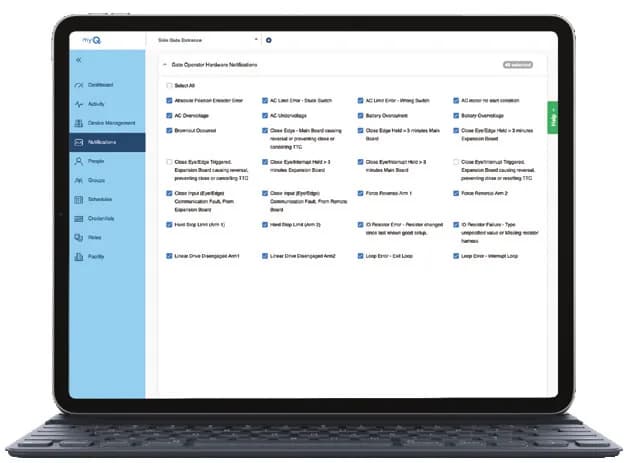
Standard duty MAXUM units are rated for 20 cycles per hour and 90 per day. Extended duty units are rated for 30 per hour and 150 per day. The part number tells you which, with S for standard and X for extended. A standard duty unit on a busy dock will hit its limit. Check the cycle count in myQ Facility or on the controller.
Call CCGDS
CCGDS is an authorized LiftMaster dealer in Richmond, and we service MAXUM DC across Metro Vancouver. Call (604) 206-5727. Model pages are here for the JDC, RJDC, JHDC and TDC, and the MAXUM DC overview.